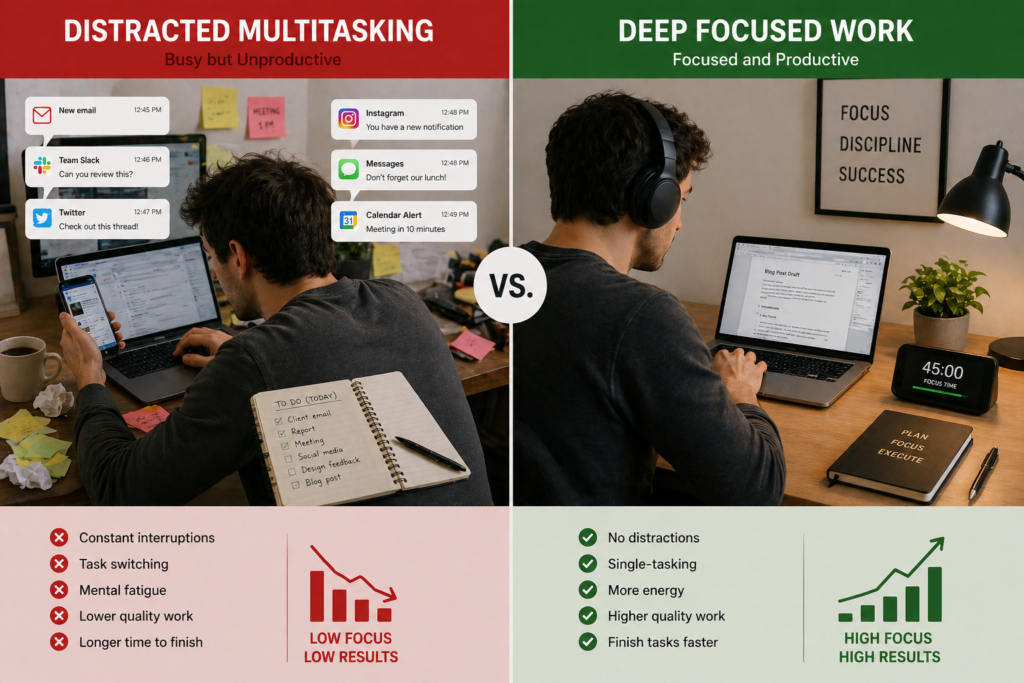
Technology can either destroy your focus—or massively improve it.
Most people struggle with constant notifications, social media, and digital distractions. But when used correctly, the same tools can help you concentrate deeply, get more done, and reduce mental fatigue.
What Does It Mean to Stay Focused?
Staying focused means maintaining attention on one task without getting distracted.
This involves:
- Ignoring interruptions
- Managing time effectively
- Completing tasks without switching constantly
Simple definition:
Focus is the ability to concentrate on one task for a sustained period.
Why Technology Causes (and Solves) Distraction
Technology is designed to capture your attention.
Common problems:
- Notifications every 5–10 minutes
- Social media interruptions
- Multitasking across apps
But the same technology can:
- Block distractions
- Track productivity
- Create structured work sessions
How to Use Technology to Stay Focused (Step-by-Step)
Step 1: Track Your Distractions
First, understand where your time goes.
Example:
- You spend 3–5 hours daily on your phone
- 1–2 hours on social media
Tracking helps you identify what to fix.
Step 2: Block Distractions
Use tools to eliminate temptation.
Example:
- Block social media during work hours
- Limit apps to specific times
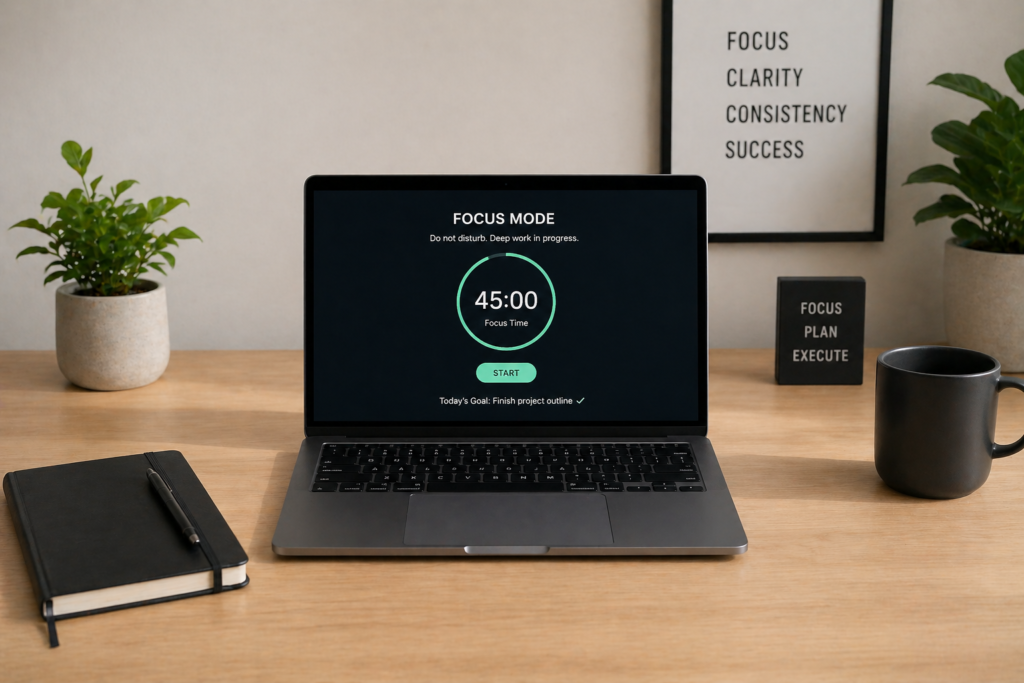
Step 3: Use Time Blocks
Work in focused sessions.
Example:
- 25–50 minutes of deep work
- 5–10 minute breaks
This improves productivity by 20–40%.
Step 4: Create a Focus Environment
Your digital setup matters.
Examples:
- Turn off notifications
- Use full-screen mode
- Keep only essential apps open
Step 5: Automate Routine Tasks
Reduce mental load.
Example:
- Automate emails
- Schedule repetitive tasks
This frees up time for deep work.
Best Tools to Stay Focused
🌍 Global Tools
- Forest – gamifies focus and blocks phone use
- Freedom – block distracting apps and websites
- RescueTime – track and analyse productivity
🇺🇸 United States
- Cold Turkey – powerful distraction blocking
- StayFocusd – limit time on websites
- Focus Keeper – Pomodoro timer for focus
🇬🇧 UK / Europe
- Flipd – lock phone during work sessions
- Offtime – block notifications and calls
- Focus To-Do – Pomodoro + task tracking
⚙️ Advanced Users
- Notion – organise tasks and workflows
- Zapier – automate repetitive tasks
- Toggl Track – detailed productivity tracking
Real-Life Focus Setup (Simple Example)
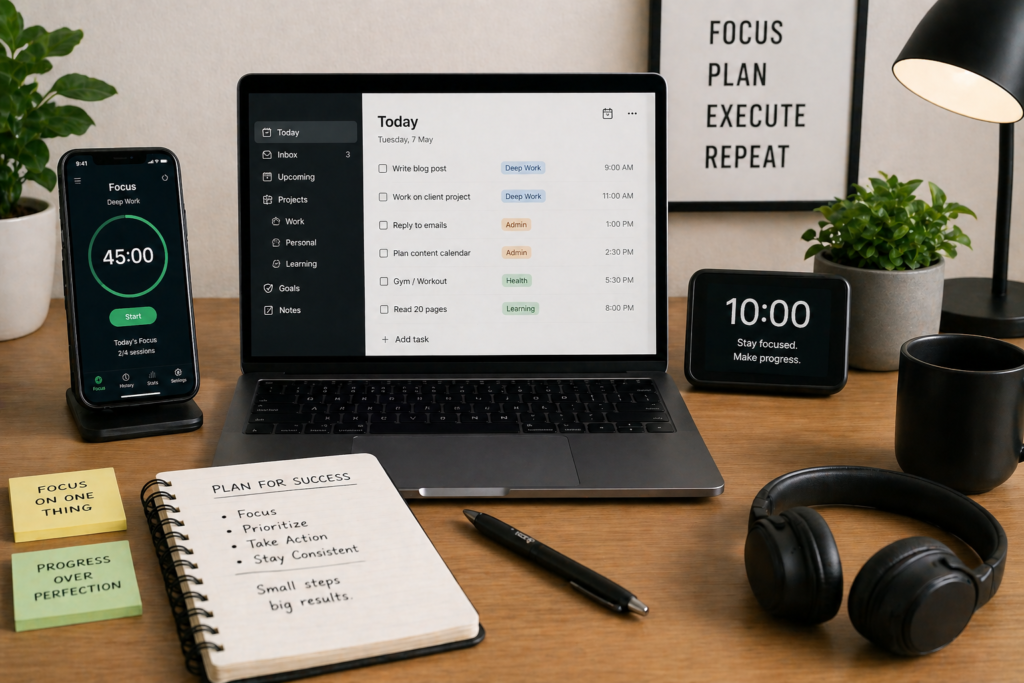
Here’s a practical daily system:
- Use Forest for 30–60 minute focus sessions
- Block social media using Freedom
- Track time with RescueTime
Time commitment:
1–2 hours of focused work daily
Result:
Productivity can increase by 30–50% within 1–2 weeks.
How Much Time Can You Save?
Small improvements add up.
Example:
- Reduce distractions by 2 hours daily
- Gain 60 hours per month
That’s equivalent to:
- Learning a new skill
- Starting a side income
- Completing major projects faster
Common Mistakes to Avoid
- Using too many tools at once
- Not setting clear goals
- Ignoring notifications settings
- Multitasking constantly
Focus on simplicity and consistency.
FAQ
What is the best app to stay focused?
Apps like Forest and Freedom are among the most effective for blocking distractions and improving focus.
How can I focus better using technology?
Use tools to track time, block distractions, and structure work sessions.
How long should a focus session be?
25–50 minutes is ideal for most people.
Does technology reduce productivity?
Yes, if used poorly—but it can significantly improve productivity when managed properly.
Can focus tools really increase productivity?
Yes. Many users see a 20–50% increase in productivity within weeks.
Conclusion
Technology isn’t the problem—how you use it is.
By:
- Blocking distractions
- Tracking your time
- Using focus tools
You can turn technology into your biggest productivity advantage.
Take action today:
Start with one tool and commit to a 30-minute focused session—you’ll feel the difference immediately.