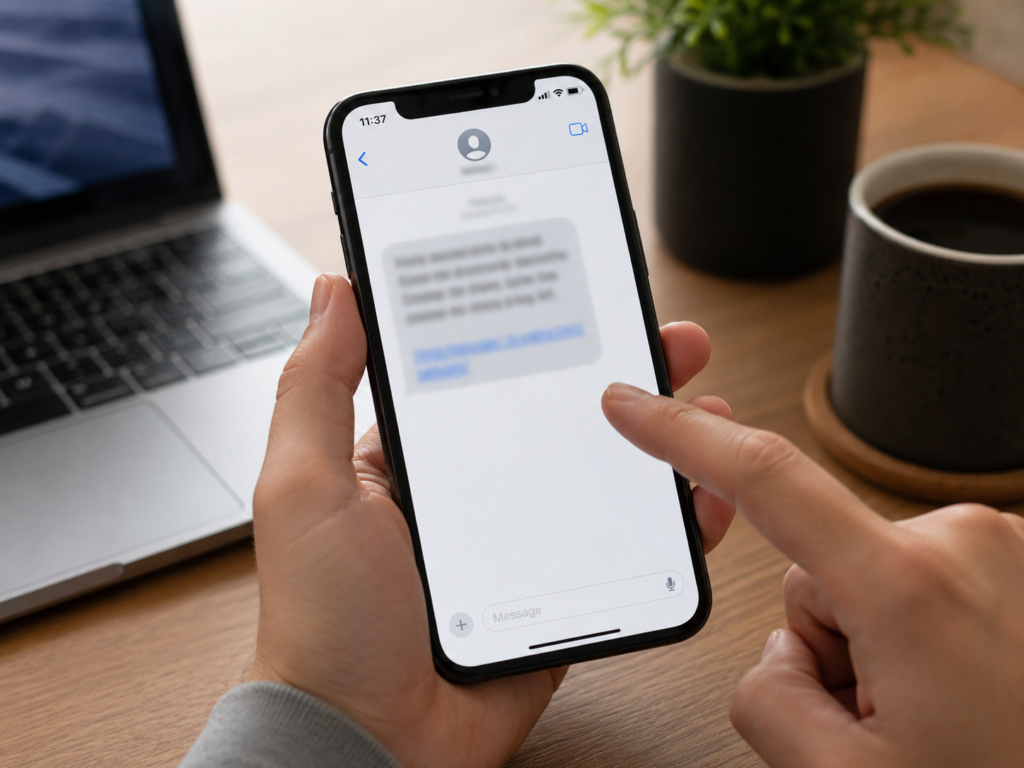
Have you ever received an email or text message with a link that looked spammy?
In these days, that question is almost like asking, “Have you ever drunk water?” The answer is obviously yes. Most people have received strange links in texts, emails, comments, pop-ups, or social media messages.
But let’s be more specific.
Have you ever seen a website ending in .top?
Maybe the link looked something like this:
- delivery-fee-update.top
- secure-login-check.top
- prize-confirmation.top
- account-verification.top
Your first reaction may have been:
That looks suspicious. Is it definitely a scam?
The good news is that not every website ending in .top is a scam. A .top domain is a real domain extension. However, because many suspicious websites have used cheap or unfamiliar domain endings, including .top, you should be careful before clicking or entering personal information.
The safest rule is simple:
Do not judge a website only by the final letters. Check the full link, the source of the message, and what the website is asking you to do.
What Is a .top Domain?
A .top domain is a website address ending.
It is part of what is called a top-level domain, often shortened to TLD.
A TLD is the very last part of a website address — the letters that come after the final dot.
For example:
- example.com
- example.org
- example.co.uk
- example.top
In these examples:
.com is a TLD
.org is a TLD
.uk is part of a country-code domain structure
.top is also a TLD
The .top domain is a generic top-level domain, also known as a gTLD. That means it is not a country-code domain like .uk, .fr, or .cn.
ICANN’s official records show that the registry agreement for .top was finalised on March 20, 2014.
So, in plain English, it is a perfectly real extension, just like .net, .site, or .store. The letters themselves don’t prove a site is unsafe, but they don’t mean it’s safe either.
Is a .top Domain Only for China or Asia?
No, it isn’t. Because it’s a generic extension rather than a country-specific one, any individual, brand, or developer across the globe can buy a .top domain through standard registrars.
It is true that the registry behind .top has deep historical roots in the Chinese domain market, and ICANN currently points to Hong Kong Zhongze International Limited as the operator. Because of this, you will definitely run into legitimate Asian platforms using it. But the extension is completely global.
The takeaway here is simple: a domain extension tells you which registry manages the name, not whether the person running the site is trustworthy.
Does a .top Domain Help SEO?
People often pick less common domain suffixes when the classic .com name they want is completely unavailable. If besttools.com is taken, someone might try:
besttools.topbesttools.sitebesttools.online
From a technical search engine perspective, Google has made its stance clear: new gTLDs are treated exactly like legacy ones such as .com and .org. Google’s algorithms don’t hand out automatic ranking penalties or rewards based on the TLD keywords. A .top site can rank perfectly well if the content is good.
But building user trust is a totally different hurdle. Google might be fine with a .top link, but everyday internet users are often wary of unfamiliar endings, especially when those links show up out of nowhere. Trust shapes user behaviour.
Why Do You See .top Domains Online?
There are two sides to this coin. On the legitimate side, people choose .top because the .com alternative was already parked, it was incredibly cheap, short, memorable, and gave them a global footprint without location constraints.
Unfortunately, those exact same benefits attract scammers like flies.
A rock-bottom price tag means bad actors can buy domains in bulk, run a rapid phishing blitz, and throw the addresses away the second security filters start blocking them. That’s why these links constantly pop up in:
- Fake package delivery notifications
- Bogus banking alerts
- Phishing emails and prize scams
- Lookalike login and shopping screens
- Pop-up ads and malware delivery paths
The .top extension itself isn’t a piece of malware. The issue is that online criminals prefer cheap, disposable, unfamiliar real estate.
Are .top Domains Safe?
They can be. However, unexpected .top links should always be approached with a massive dose of skepticism.
An extension cannot harm your computer just by loading in a browser. The real danger comes down to the code and intent behind the page. A malicious site might try to harvest your login credentials, copy your bank’s homepage, peddle counterfeit items, or trick you into installing bad software.
Threat intelligence groups have noted high levels of malicious activity on this extension. For example, Spamhaus reported a major spike in toll-road phishing scams leveraging the .top gTLD, tracking a 50% rise in abuse with over 211,000 detections across a six-month period. ICANN also issued a Notice of Breach to the registry regarding abuse monitoring, though the operator has since implemented new detection tools to address it.
The reality? Not every .top site is a trap, but unrequested links require extreme caution.
Why Scammers Use Strange Domain Names
Cybercriminals rely on two core strategies when creating URLs: they either try to fool human eyes, or they try to slip past automated security algorithms.
Strategy 1: Tricking the Human Eye
Scammers know you are moving fast. They bet on the fact that most people won’t carefully analyze a web address before clicking. They exploit this by mixing real brand names with urgent buzzwords, dashes, or numbers.
A URL like paypal-security-check.top or amazon-prize-confirm.top is pure bait designed to provoke a fast reaction. They use a few common methods to pull this off:
- Typosquatting: Registering names with common typos, like
amzaoninstead ofamazonorfacbookinstead offacebook. They hope you miss the small error. - Homograph Attacks: Using characters from different alphabets that look identical to standard English letters on a screen. They might also use visual substitutes like
rnicrosoft(r and n) instead ofmicrosoft, oramaz0nwith a zero. - Combosquatting: Splice a famous brand name together with corporate-sounding words, such as
bank-secure-login.toporapple-account-protection.top. Real brands almost never do this; they keep their main login pages on their official corporate domain.
Strategy 2: Tricking Security Software
Some weird links aren’t built to trick humans at all. They look like absolute gibberish because they are aimed at bypassing security firewalls.
This involves Domain Generation Algorithms (DGAs). As cybersecurity firms like Akamai point out, botnets and cybercriminals use DGAs to automatically output thousands of random domain variations a day. If a hacker relies on one fixed domain, security systems block it instantly. By constantly rotating through an algorithmic list of gibberish names like axwscwsslmiagfah.top, they make it incredibly tough for filters to block them all in real-time.
How to Check If a .top Website Is Suspicious
Before interacting with a .top site, pause and run through this quick mental checklist:
- Did the link arrive out of the blue?
- Is the message forcing a sense of extreme urgency?
- Is it demanding an immediate payment or password?
- Does the domain try to look like a well-known brand but feel slightly off?
- Are there strange spelling errors or broken grammar?
- Is the offer or prize entirely unrealistic?
- Is the site pushing a mandatory download or looking incredibly cheap?
If you spot multiple red flags, stay away. If you get a text claiming a package delivery failed and you need to pay a small fee at a weird .top address, the combination of urgency, payment, and an unfamiliar URL tells you everything you need to know.
How to Check a Website Without Clicking It
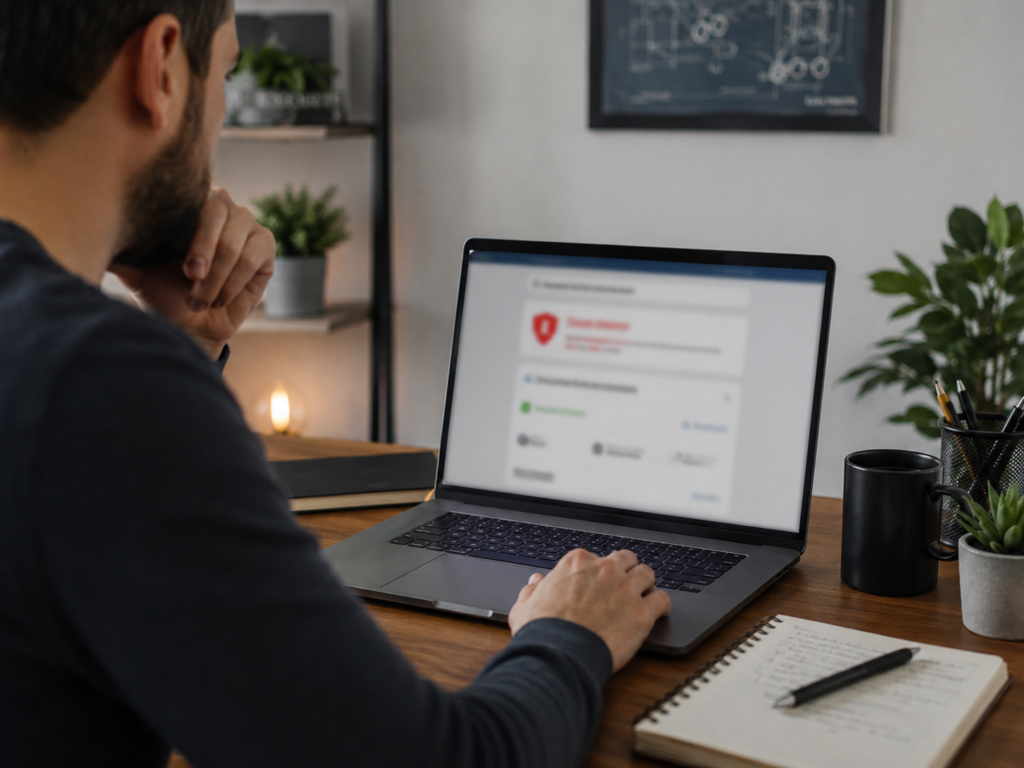
Never open a link just to inspect it. Instead, copy the URL carefully and run it through trusted third-party analysis tools.
Recommended Safety Tools:
- VirusTotal: Scans URLs against dozens of antivirus databases simultaneously.
- Google Safe Browsing Site Status: Checks Google’s real-time safety index.
- URLScan: Simulates loading the page safely and takes a screenshot for you.
- ICANN Lookup / WHOIS Tools: Allows you to look up ownership data.
Look at the Domain Age
Scammers burn through names rapidly. If you use a WHOIS lookup tool and find that a domain was registered just a couple of days ago, it’s highly suspicious—especially if it claims to belong to a bank, government agency, or major courier. Established brands do not spin up brand-new .top addresses for customer portal logins.
What to Do If You Already Clicked a .top Link
Simply opening a page rarely compromises your entire device on its own. The real threat triggers if you interact with the page. Here is how to handle different scenarios:
If You Only Looked at the Page
Close the browser tab immediately. Do not click any pop-ups, don’t allow notifications, and avoid downloading any suggested files. If you feel uneasy, clearing your browser history or running a standard device scan is a good next step.
If You Entered a Password
Navigate directly to the official app or website of that service (do not use the link from the message) and change your password right away. If you use that same password anywhere else online, update those accounts too, and make sure two-factor authentication (2FA) is turned on.
If You Entered Card Details
Get in touch with your financial institution immediately. Let them know your card info may have been compromised so they can freeze the card or issue a replacement before unauthorised charges hit your account.
If You Downloaded Something
Disconnect your device from the internet to cut off any potential communication between malware and a command server. Run a thorough scan using a reputable, trusted antivirus program. Avoid downloading random “free cleaner tools” from search results, as many of those are scams themselves.
How to Avoid Malicious Websites in the Future
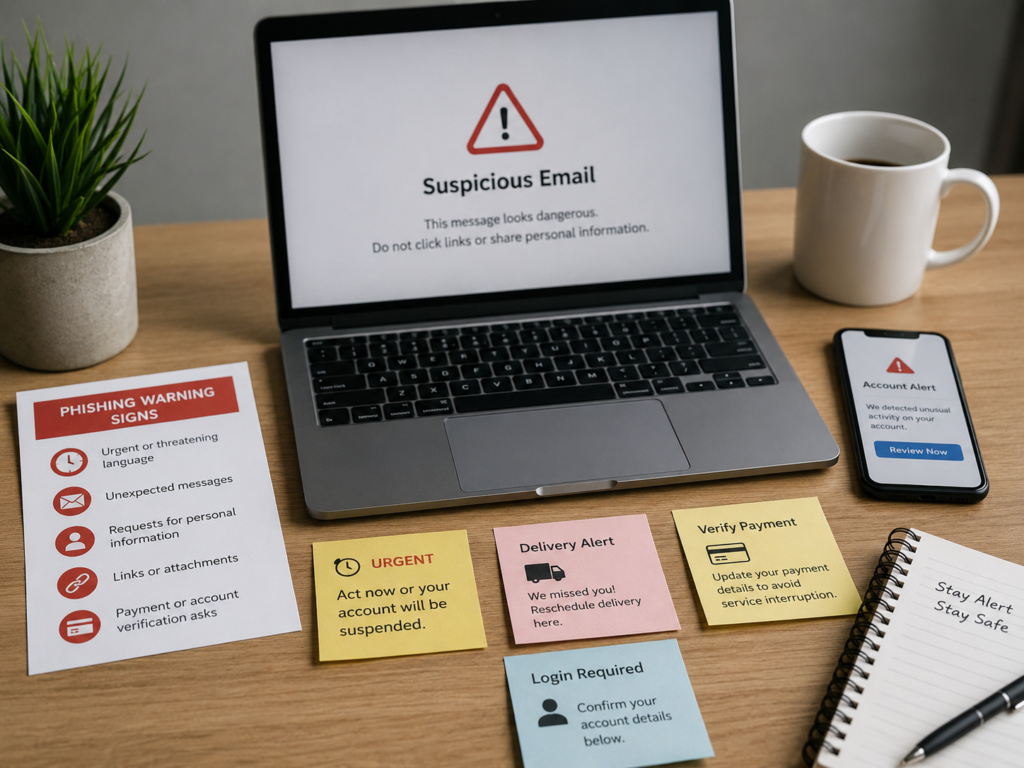
The old saying holds true: an ounce of prevention is worth a pound of cure. You don’t need to memorize every bad domain on Earth. Instead, focus on recognizing the emotional triggers scammers rely on to override your logic:
- Fear: “Your account will be suspended permanently.”
- Greed: “Claim your free $5,000 cash prize now.”
- Urgency: “You must take action within the next five minutes.”
- Confusion: “Your scheduled home delivery has failed.”
- Authority: “Official tax refund application inside.”
Criminals rely on panic and quick reactions. If you don’t give them that split-second emotional reaction, their tactics fail.
Safer browsing habits
Type out important web addresses manually instead of clicking links.
Bookmark your essential banking and email login pages.
Keep your web browser and operating system updated.
Use a dedicated password manager. These tools won’t auto-fill your credentials if you are accidentally standing on a fake, lookalike domain.
Enable two-factor authentication wherever it’s an option.
Be highly skeptical of shortened URLs or links in unexpected messages.
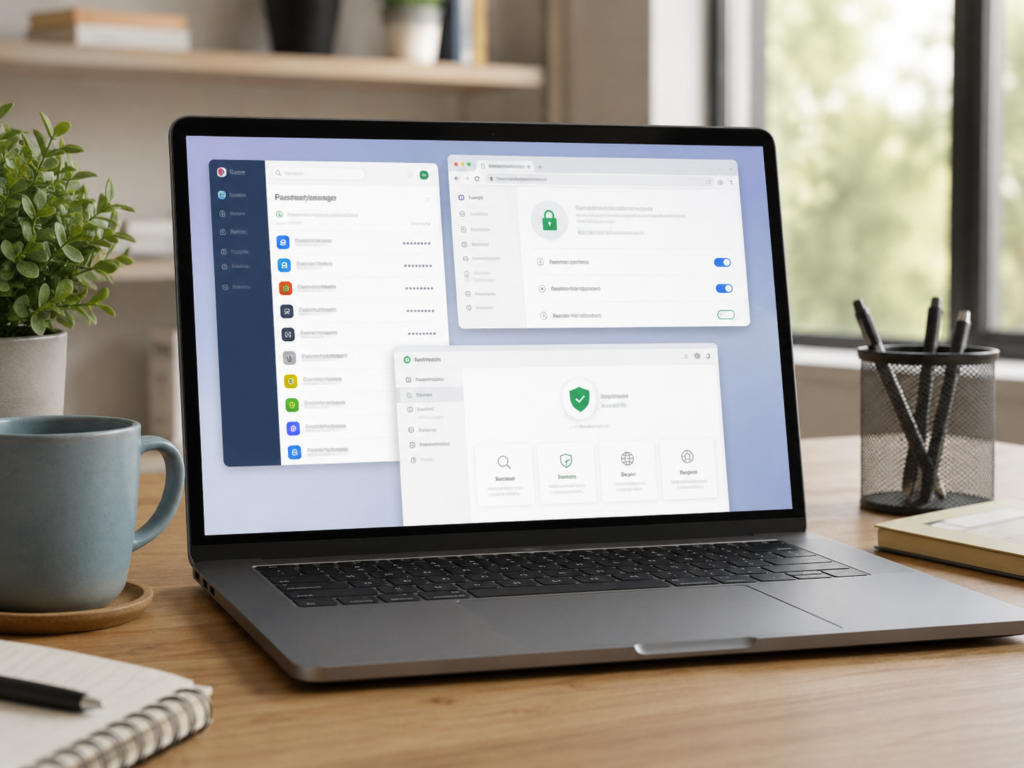
A password manager can help because it usually will not autofill your saved password on a fake domain. That can give you an extra warning that the site is not the real one.
Should You Block All .top Domains?
No, completely blocking the extension isn’t necessary for most people, and it can inadvertently block legitimate sites.
A much more practical path is layering your security tools. Let your browser’s default anti-phishing settings, your email spam filters, your antivirus software, and your password manager do the heavy lifting. For networks managing corporate settings or schools, DNS filtering is a fantastic way to automatically block known malicious addresses without blanketing an entire TLD. For regular daily use, smart habits are your best shield.
FAQ
What is a .top domain?
It is a generic top-level domain (gTLD) that functions structurally just like .com, .net, or .online.
Is every .top website a scam?
No. The suffix itself doesn’t mean danger. You always have to look at the full web address, where you got the link, and what the page wants you to do.
Why do scammers use .top domains?
They are incredibly inexpensive and easy to register in large quantities, making them ideal for short, highly disposable scam campaigns.
Should I click a .top link in a text message?
Be incredibly careful. If the message arrives unrequested and asks for passwords, immediate payments, or account fixes, do not click it. Go straight to the official platform yourself.
How can I check if a .top website is safe?
Run the URL through safety scanners like VirusTotal, URLScan, or Google Safe Browsing, and use a WHOIS tool to see if the domain is brand new.
Can a .top website infect my phone?
The extension itself cannot harm your device. The risk comes from interacting with the page—such as downloading malicious files, allowing permissions, or typing in sensitive credentials.
Conclusion
At the end of the day, a .top domain is just a standard piece of internet engineering, not an inherent security threat. However, its low price tag has turned it into a major playground for phishers and cybercriminals.
The absolute best way to stay safe online isn’t to live in fear of specific domain suffixes. It’s simply breaking the habit of trusting links blindly.
If a web page demands a rushed payment, asks for your credentials out of nowhere, or insists you install an update, just pause. Close the tab, open a fresh window, and go directly to the official source. That single habit alone will keep you safe from almost every malicious link on the web.