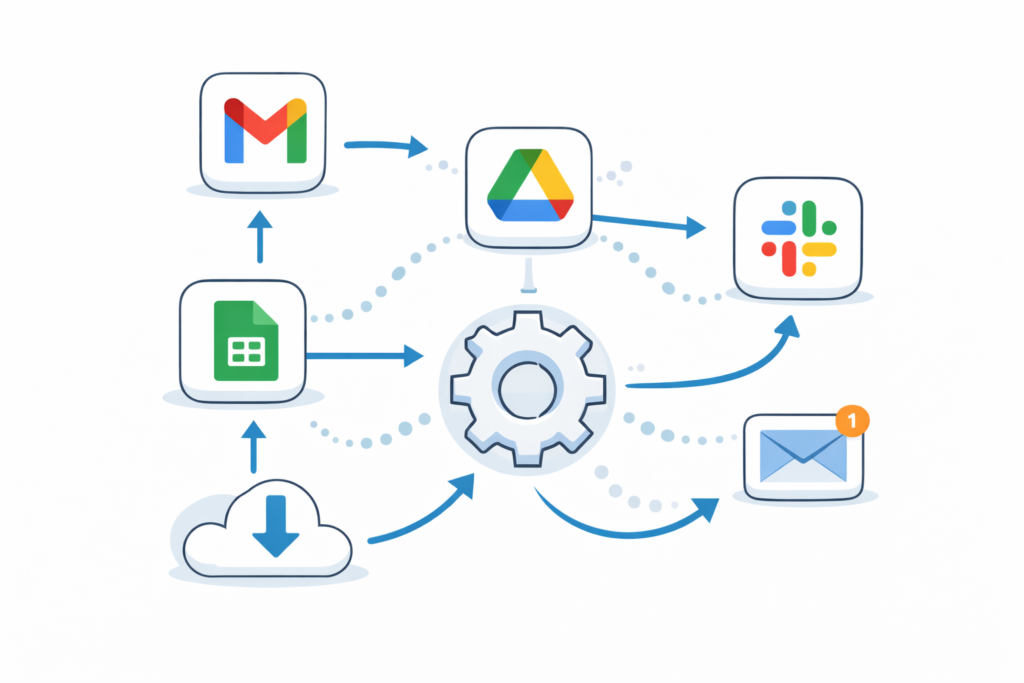

IIf you find yourself repeating the same tasks every day, you’re wasting time.
Things like sending emails, updating spreadsheets, or organising files can easily be automated. Once set up, these tasks run in the background—saving you hours every week.
In this guide, you’ll learn exactly how to automate your workflows using simple tools, even if you’re a complete beginner.
What Is Workflow Automation? (Simple Explanation)
Workflow automation means:
👉 Getting software to do repetitive tasks for you
Instead of doing something manually every day, you set it up once—and it runs automatically.
Examples:
- Automatically saving email attachments
- Sending scheduled messages
- Updating spreadsheets
Where Can You Use Automation?
You can automate tasks in:
- Work (emails, reports, admin tasks)
- Side hustles (orders, customer messages)
- Personal life (reminders, budgeting)
If you repeat it often, you can probably automate it.
Tools You Can Use to Automate Tasks
Here are beginner-friendly tools you can start with:
- Zapier – connects apps and automates tasks
- Make – advanced workflow automation
- IFTTT – simple automation for everyday tasks
- Notion – organise tasks and automate workflows
- Google Sheets – automate data and tracking
👉 These tools require little or no coding.
5 Practical Automation Examples (You Can Start Today)
1. Automatically Save Email Attachments
Use:
👉 Zapier
Example:
- When you receive an email attachment
- It is automatically saved to Google Drive
No manual downloading needed.
2. Auto-Schedule Social Media Posts
Use:
👉 Buffer
👉 Hootsuite
You can:
- Write posts once
- Schedule them for the week
3. Track Data Automatically
Use:
👉 Google Sheets
Example:
- Automatically log sales
- Track expenses
- Monitor performance
4. Automate Repetitive Emails
Use:
👉 Gmail templates
You can:
- Create reusable responses
- Reply faster
- Save time daily
5. Connect Apps Together
Use:
👉 Zapier or Make
Example:
- When someone fills a form
- Add them to a spreadsheet
- Send a welcome email automatically
Step-by-Step: How to Start Automating Today
- Identify one repetitive task
- Choose a tool (start with Zapier)
- Create a simple automation (“trigger → action”)
- Test it
- Let it run
Start small—then expand.
A Simple Example You Can Do in 10 Minutes
Task:
👉 Save time replying to emails
Solution:
- Create email templates in Gmail
- Use them instead of typing from scratch
👉 This alone can save hours every week.
Common Mistakes to Avoid
- Trying to automate everything at once
- Choosing complex tools too early
- Not testing automations properly
- Overcomplicating simple tasks
Keep it simple.
FAQ
What is the easiest automation tool for beginners?
Zapier is one of the easiest to start with.
Do I need coding skills?
No, most automation tools are no-code.
How much time can automation save?
Even simple automation can save several hours per week.
What should I automate first?
Start with tasks you repeat daily or weekly.
Automation is one of the easiest ways to work smarter, not harder.
By setting up simple systems, you can reduce manual work, save time, and focus on more important tasks.
Start with one automation today—you’ll see the difference immediately.