Every day, your personal data is at risk.
From social media accounts to online banking, hackers are constantly looking for ways to access sensitive information. The good news is that you don’t need to be a tech expert to stay safe.
By following a few simple cybersecurity tips, you can significantly reduce your risk and protect your data online.
Minimalist workspace with focus on security
Why Cybersecurity Matters More Than Ever
As more of our lives move online, the amount of personal data we share has increased.
This includes:
- Passwords
- Financial information
- Personal messages
- Work-related data
Without proper protection, this information can be exposed, stolen, or misused.
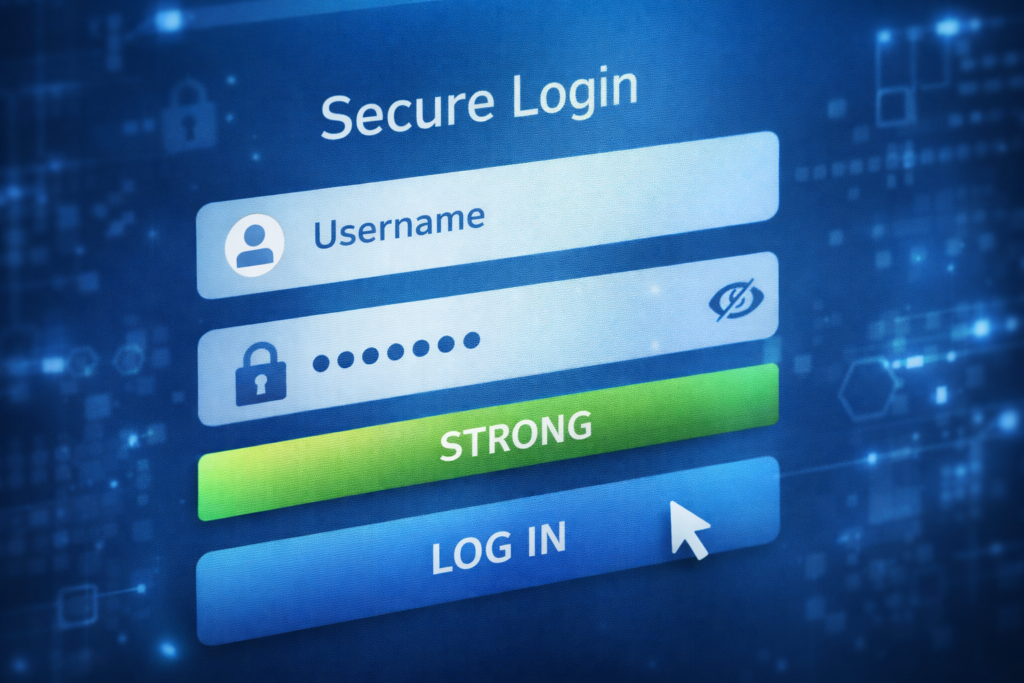
1- Use Strong and Unique Passwords
One of the most common security mistakes is using weak or repeated passwords.
A strong password should:
- Be at least 12 characters long
- Include letters, numbers, and symbols
- Be unique for each account
Avoid using personal information like names or birthdays.
2- Enable Two-Factor Authentication (2FA)
Two-factor authentication adds an extra layer of security.
Even if someone gets your password, they still need a second verification step, such as a code sent to your phone.
Always enable 2FA on:
- Email accounts
- Banking apps
- Social media
3- Avoid Public Wi-Fi for Sensitive Tasks
Public Wi-Fi networks are often unsecured.
Avoid accessing:
- Online banking
- Personal accounts
- Sensitive data
If you must use public Wi-Fi, consider using a VPN for added protection.
4- Keep Your Software Updated
Updates are not just about new features—they fix security vulnerabilities.
Make sure to regularly update:
- Your operating system
- Apps and software
- Antivirus programs
This helps protect against the latest threa
5- Be Careful with Emails and Links
Phishing attacks are one of the most common cyber threats.
Always:
- Check the sender’s email address
- Avoid clicking suspicious links
- Do not download unknown attachments
If something looks unusual, it probably is.
6-Use Antivirus and Security Software
Reliable security software can detect and block threats before they cause damage.
It can protect you from:
- Malware
- Viruses
- Spyware
Make sure your antivirus is always active and updated.
7-Back Up Your Data Regularly
Data loss can happen due to:
- Cyberattacks
- Hardware failure
- Accidental deletion
Regular backups ensure you don’t lose important files.
You can use:
- External hard drives
- Cloud storage services
8- Limit the Information You Share Online
Oversharing can make you an easy target.
Be cautious about sharing:
- Personal details
- Location
- Financial information
The less you share, the safer you are.
9- Use Secure Websites (HTTPS)
Before entering any personal information, check that the website is secure.
Look for:
- “https://” in the URL
- A padlock icon in the browser
Avoid entering sensitive data on unsecured sites.
10- Monitor Your Accounts Regularly
Keep an eye on your accounts for unusual activity.
Check:
- Bank transactions
- Login alerts
- Account changes
Early detection can prevent serious damage.
FAQ
What is the most important cybersecurity tip?
Using strong, unique passwords and enabling two-factor authentication are among the most effective steps.
Is public Wi-Fi safe to use?
It can be risky, especially for sensitive activities like banking or logging into personal accounts.
Do I really need antivirus software?
Yes, it helps protect your device from malware and other threats.
How often should I update my passwords?
It’s good practice to update them regularly, especially for important accounts.
Cybersecurity doesn’t have to be complicated.
By following these simple tips, you can protect your personal data, reduce your risk, and stay safer online.
Start with a few changes today, and build better security habits over time.